
Closest first
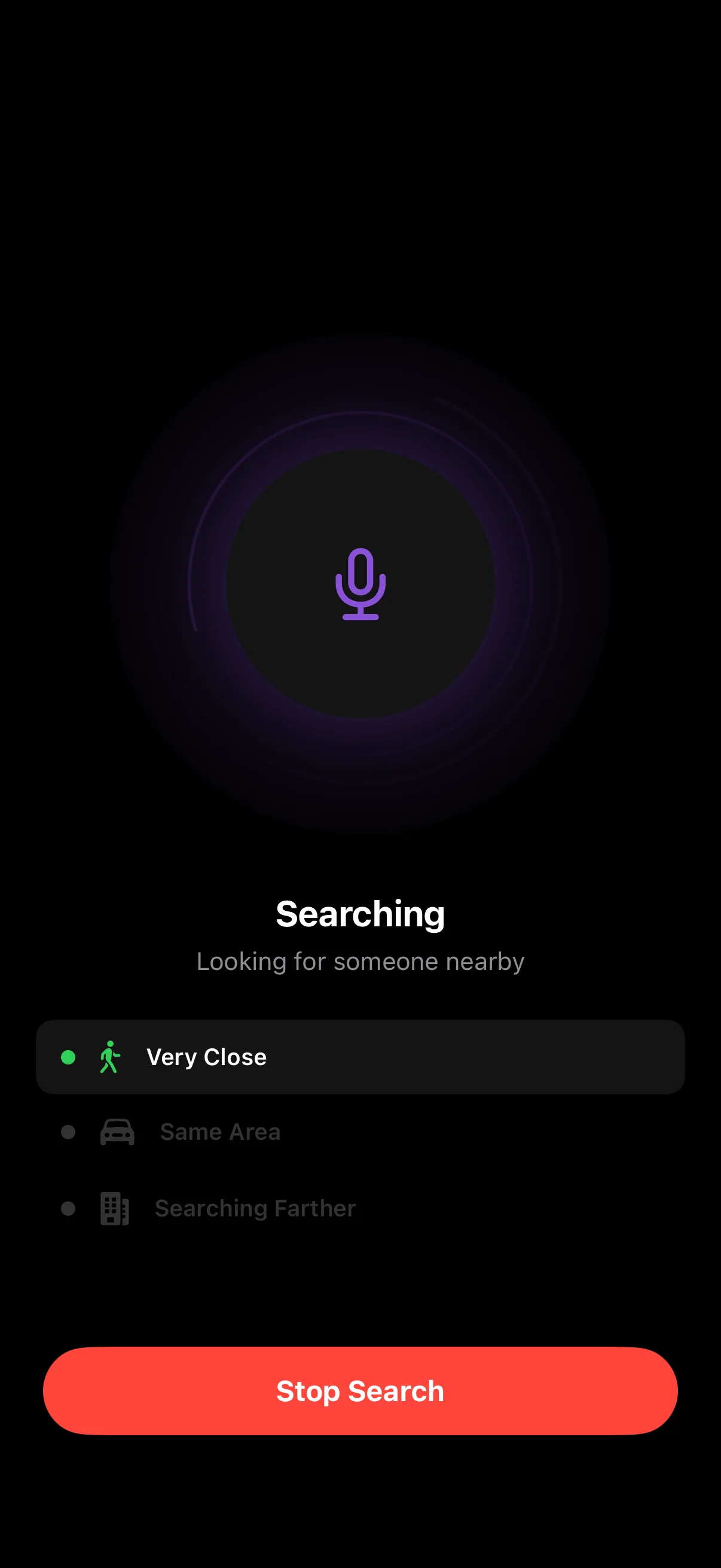
We start with the person closest to you and widen the search only if needed
Now on the App Store
Tap Search to connect with someone nearby
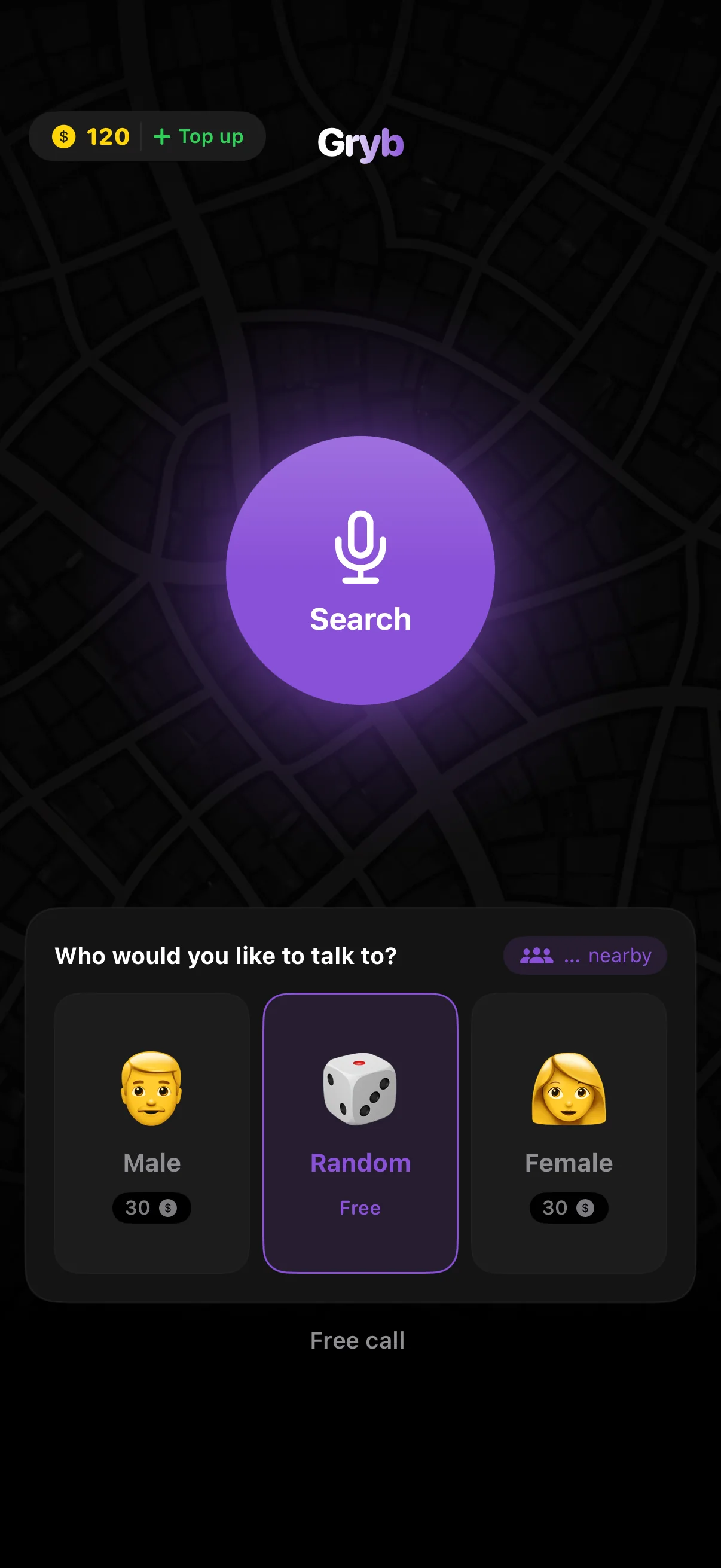
Choose who you'd like to talk to, then tap Search to find someone nearby
We look for someone very close first, then widen the search little by little
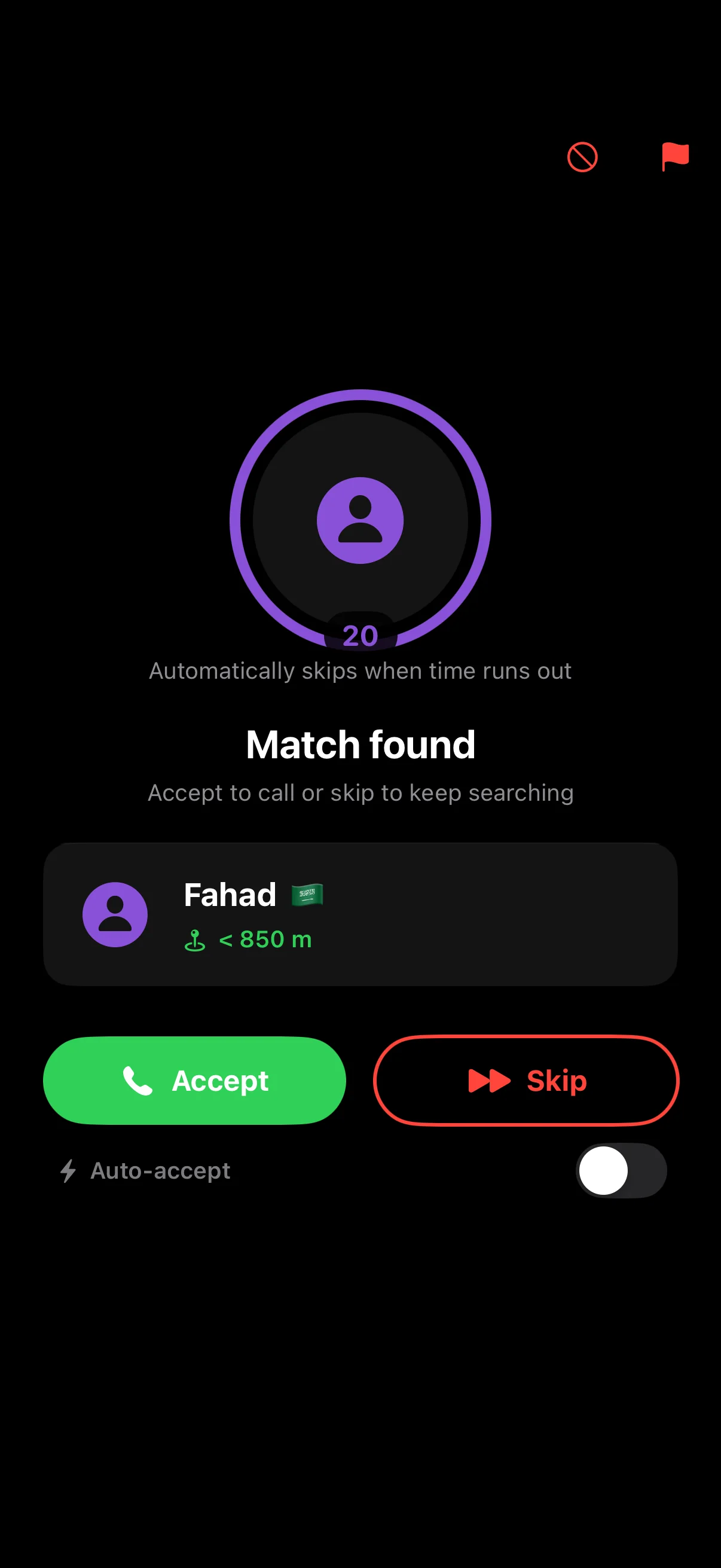
See their name and how far away they are. Accept the call or skip to find someone else
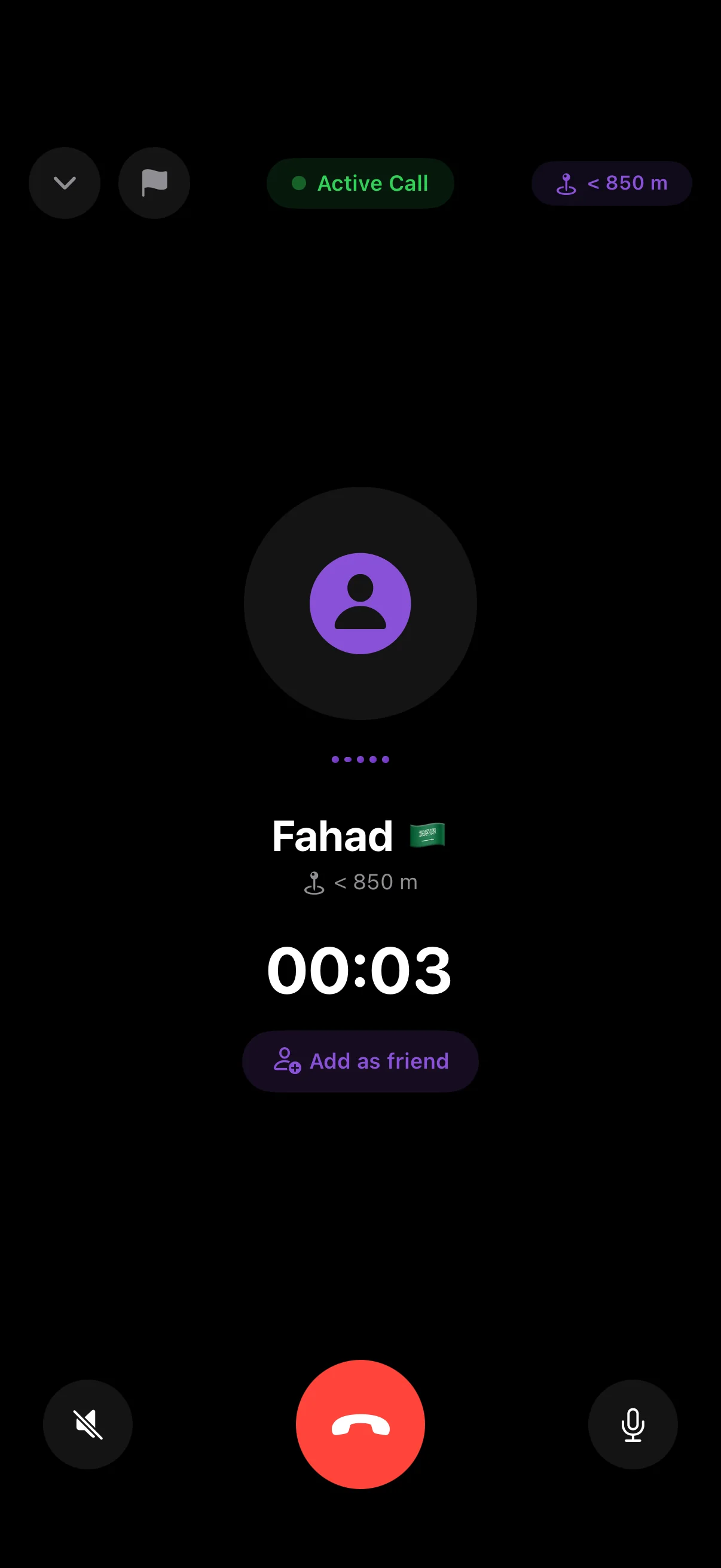
Just your voice, no video
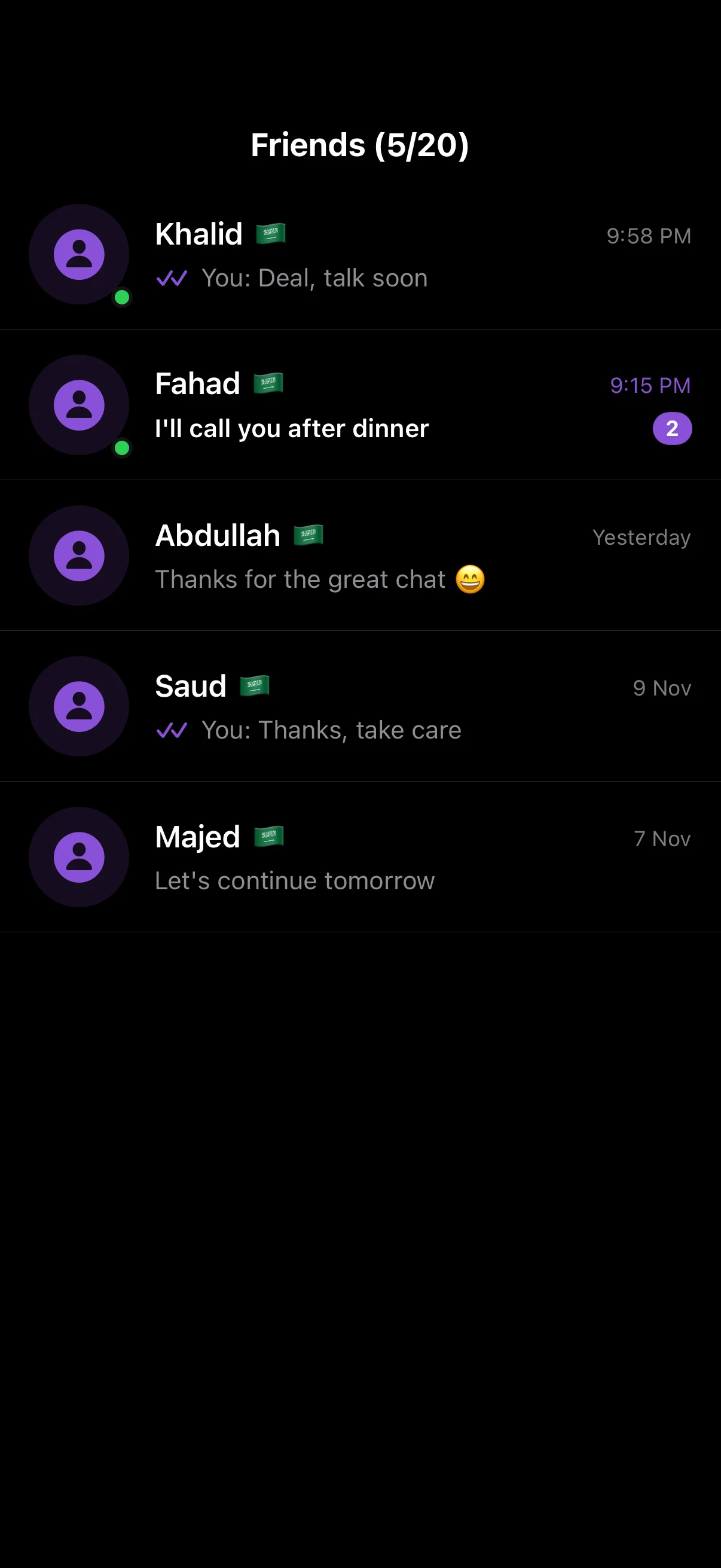
Clicked with them? Add them and call anytime
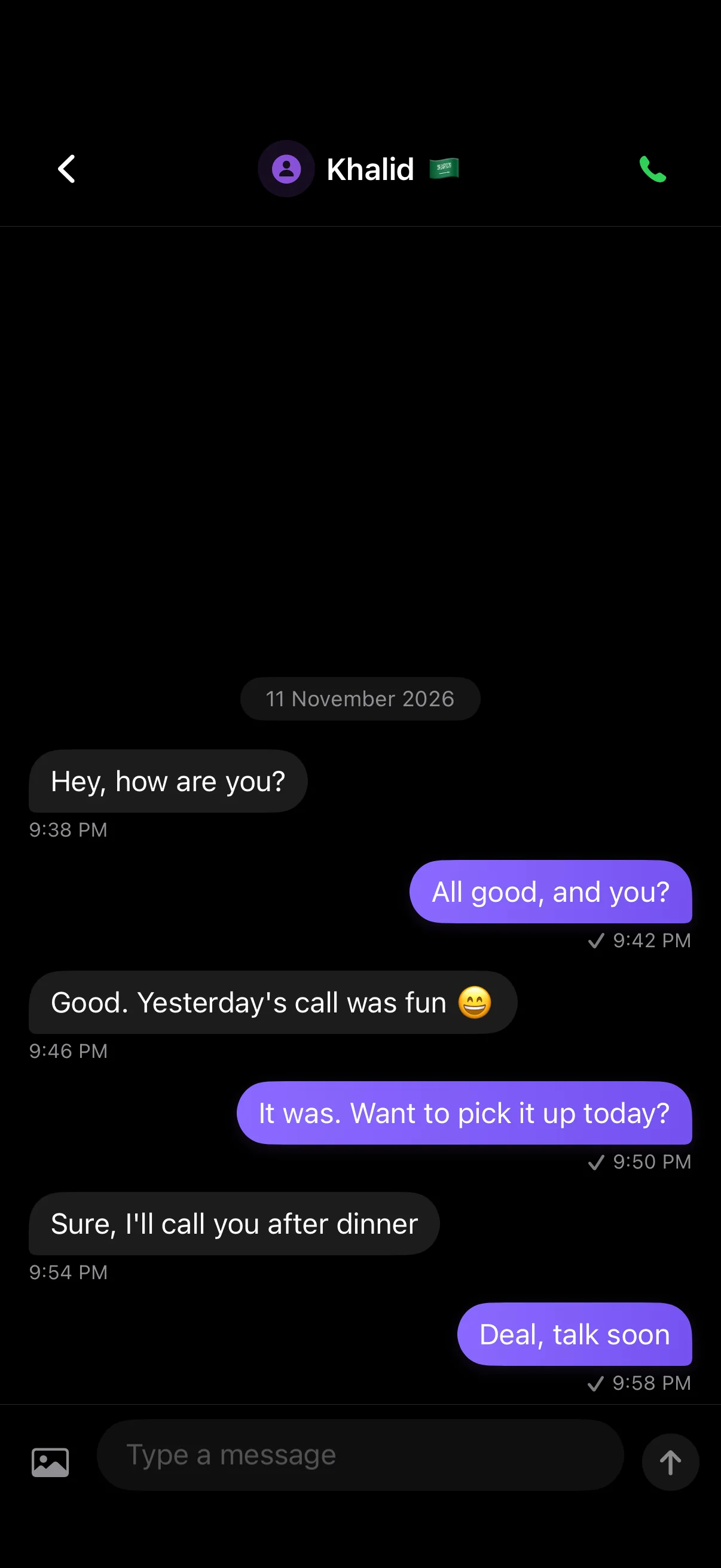
Message your friends with texts and photos, and call them whenever you like
We start with the person closest to you and widen the search only if needed
No phone number or email, and you choose the name people see
Tap Search and the search starts right away
Keep the people you click with as friends, with messages, photos and calls
Block or report anyone in one tap. Gryb is for adults 18 and over
Download Gryb and start your first call
Download on the App StoreComing soon to Google Play